

We're here to help
Quick answers for busy families. Browse FAQs, follow step-by-step guides, or contact support
We're here to help
Quick answers for busy families. Browse FAQs, follow step-by-step guides, or contact support
FAQs
FAQs
How do I add my child?
How do I add my child?
Go to your Family tab, tap the + button, and choose Invite Member. You can send a link via text or email, or share a QR code for them to scan. Once they accept, they'll appear in your private circle.
Does Closr work if my kid turns location services off?
Does Closr work if my kid turns location services off?
Will Closr drain my battery?
Will Closr drain my battery?
Can I create multiple private groups?
Can I create multiple private groups?
What happens when I send an SOS?
What happens when I send an SOS?
How do I manage notifications?
How do I manage notifications?
What data does Closr collect? Do you sell my data?
What data does Closr collect? Do you sell my data?
I'm not seeing real-time updates—what should I check?
I'm not seeing real-time updates—what should I check?
Can teens pause location sharing?
Can teens pause location sharing?
What platforms is Closr available on?
What platforms is Closr available on?
How can I cancel my subscription?
How can I cancel my subscription?
How can I report a bug to the developer?
How can I report a bug to the developer?
How can I give general feedback or request a feature?
How can I give general feedback or request a feature?
How do I uninstall the app from my device?
How do I uninstall the app from my device?
Step-by-Step Guides
Step-by-Step Guides

Add a family member (link & QR)
Add a family member (link & QR)

Set up your first group
Set up your first group

Manage place notifications
Manage place notifications

SOS: Quickly notify your inner group when you need help
SOS: Quickly notify your inner group when you need help

Battery & Permissions checklist (iOS & Android)
Battery & Permissions checklist (iOS & Android)

Create places & alerts (Home, School, Practice)
Create places & alerts (Home, School, Practice)

Privacy controls: temporary sharing & pause
Privacy controls: temporary sharing & pause
Add a family member (link & QR)
Add a family member (link & QR)
Set up your first group
Set up your first group
Manage place notifications
Manage place notifications
SOS: Quickly notify your inner group when you need help
SOS: Quickly notify your inner group when you need help
Battery & Permissions checklist (iOS & Android)
Battery & Permissions checklist (iOS & Android)
Create places & alerts (Home, School, Practice)
Create places & alerts (Home, School, Practice)
Privacy controls: temporary sharing & pause
Privacy controls: temporary sharing & pause
Contact Us
Contact Us
Need a hand? Our support team typically responds within 1 to 2 business days.
Support Email: feedback@closrapp.io

Ready to
feel Closr?
Download the app and set up
your first group in minutes.


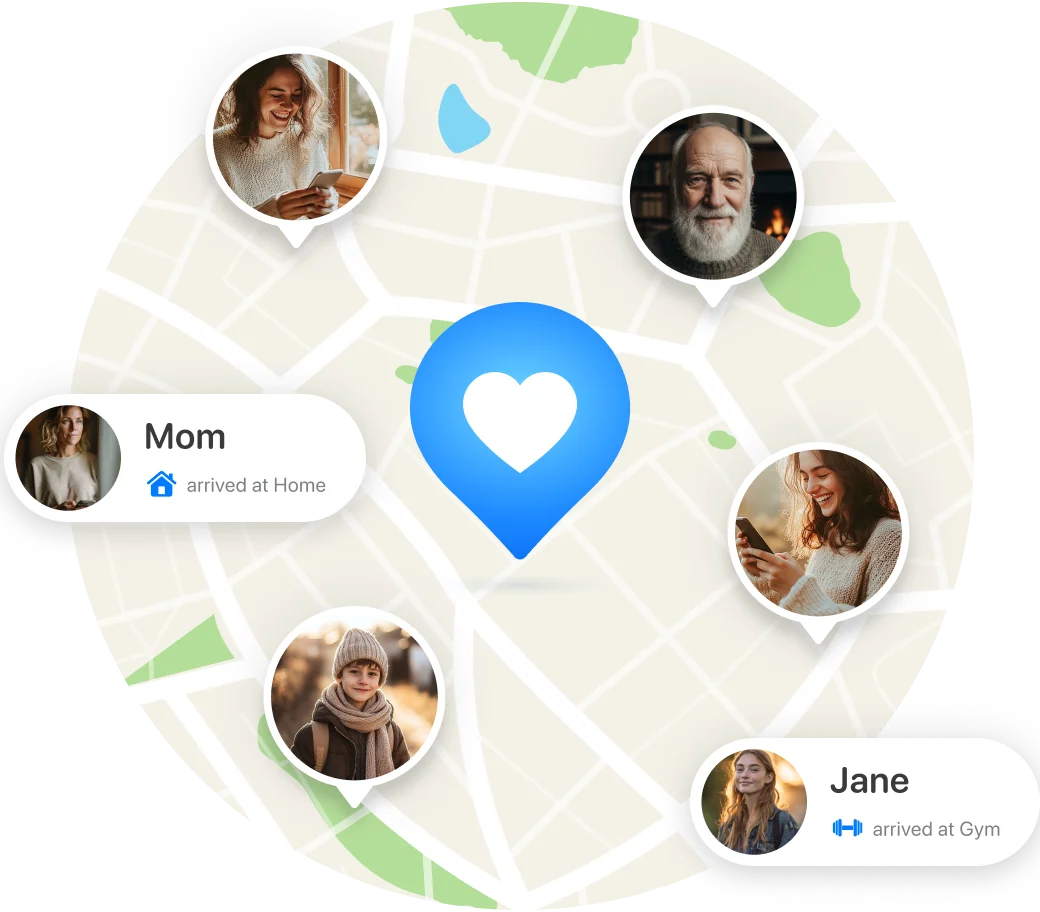
Ready to feel Closr?
Download the app and set up your first group in minutes.