
Step-by-Step guides
Step-by-Step guides
Learn how to set up Closr, invite your family, and use every feature with simple step by step guides
Step-by-Step guides
Learn how to set up Closr, invite your family, and use every feature with simple step by step guides

Add a family member
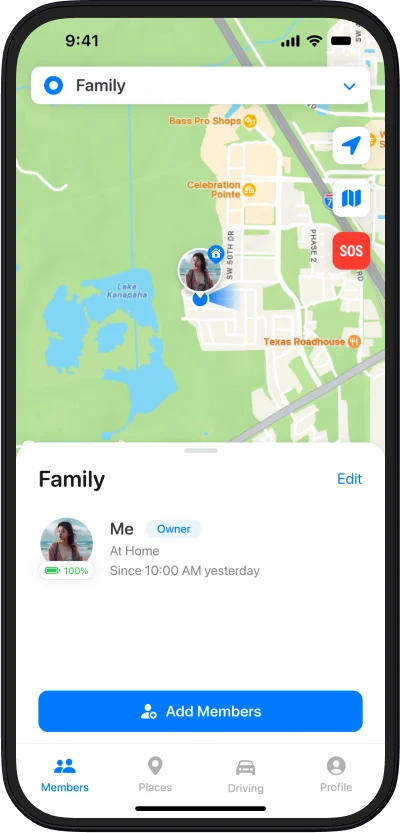
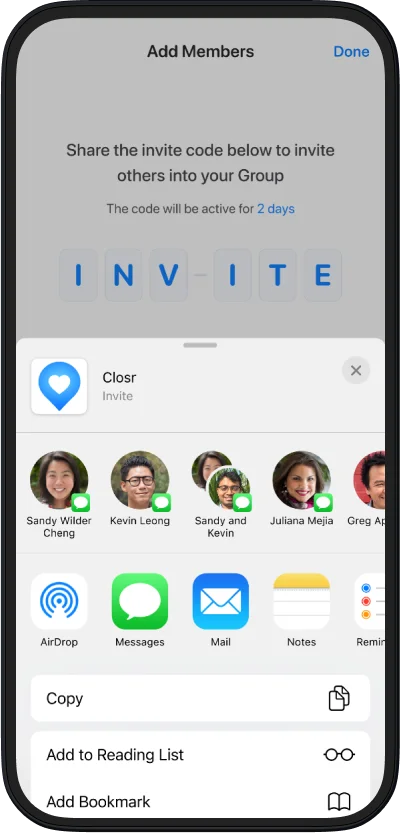
Open your group, tap Add Members, and Closr creates an invite code you can share privately.
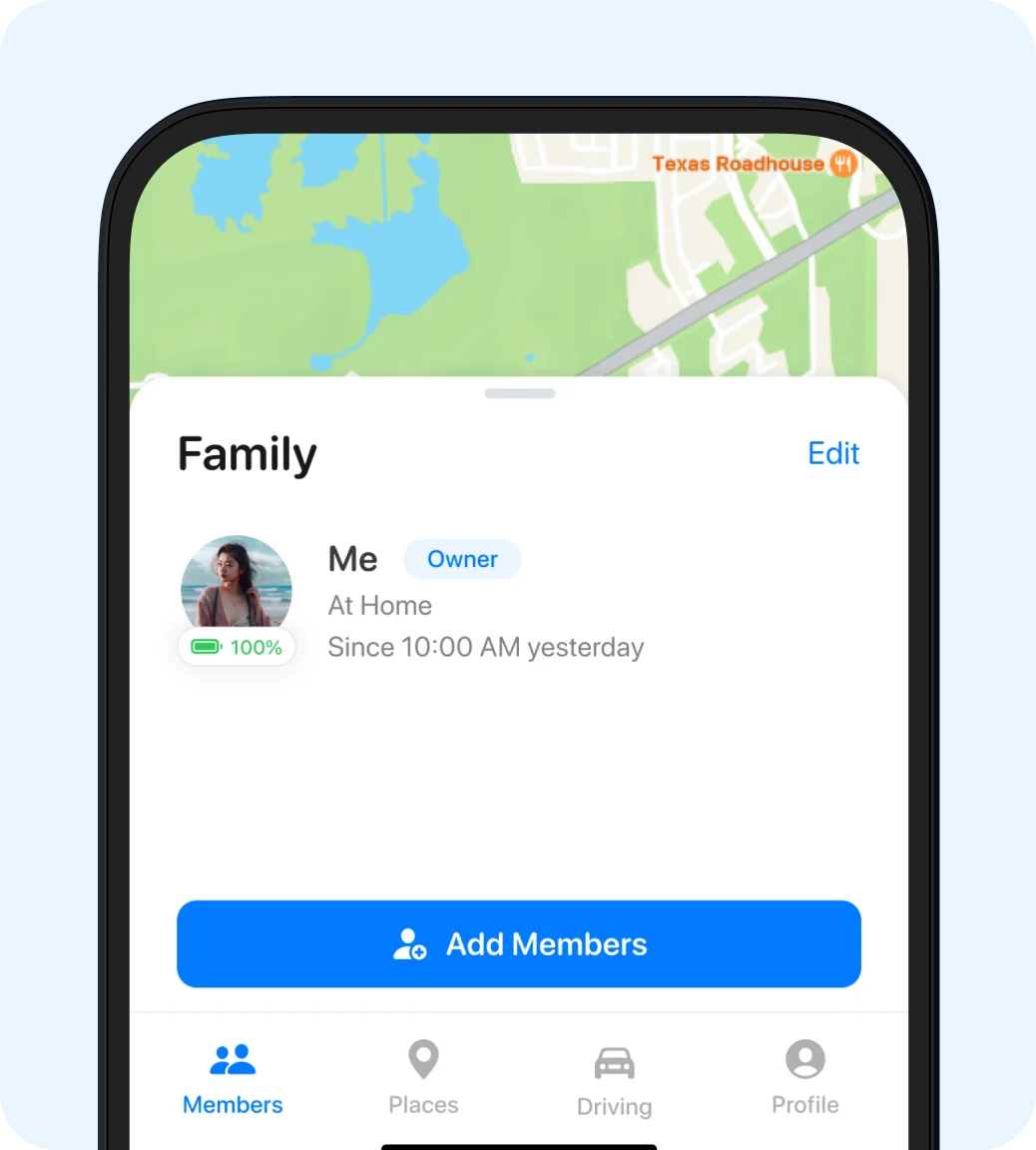
Add a family member

Add a member
Open your group, tap Add Members, and Closr creates an invite code you can share privately.

Share code

Set up Your first group
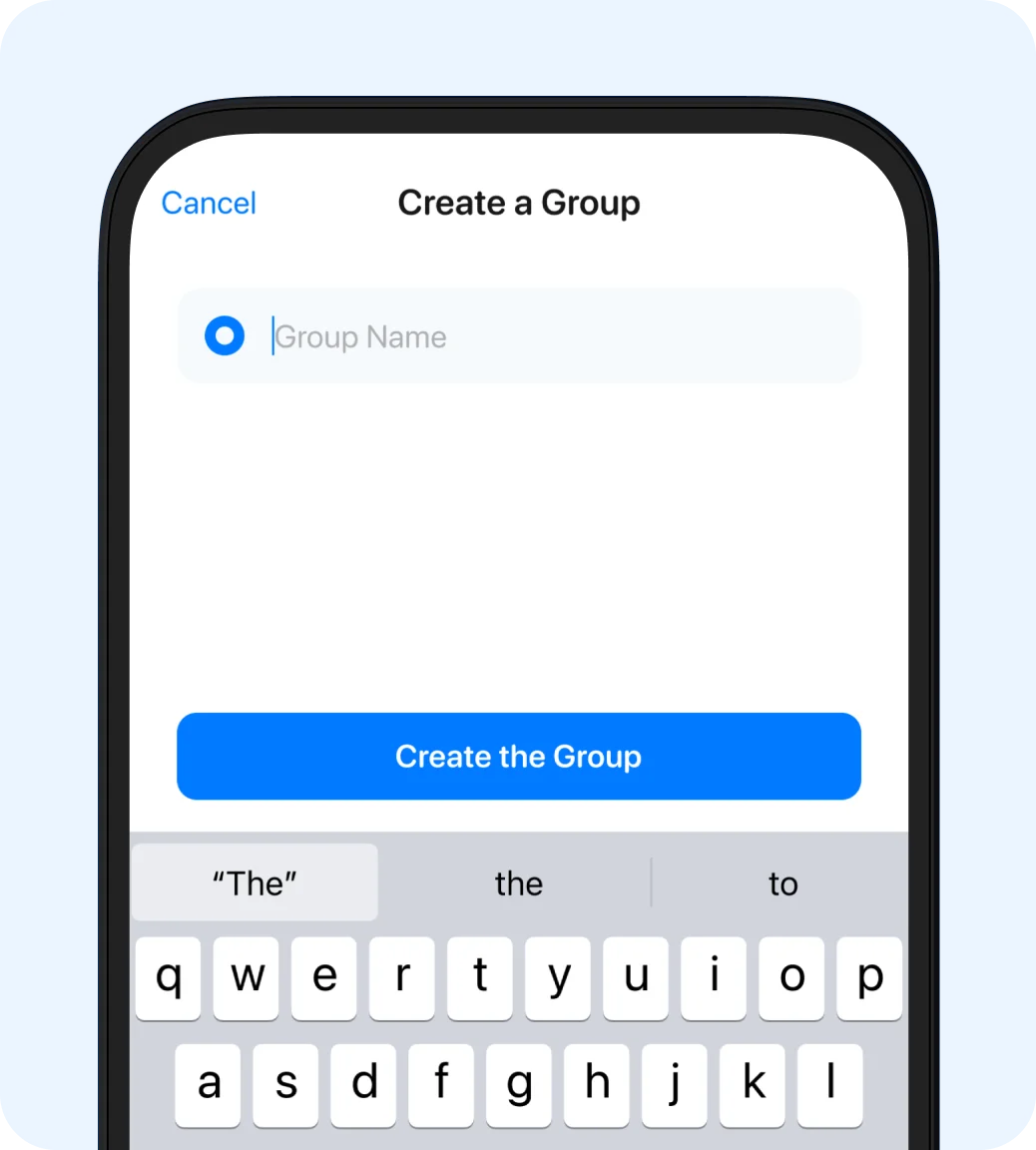
Open the Groups screen, choose Create a Group, and give it a name that feels right for your circle.
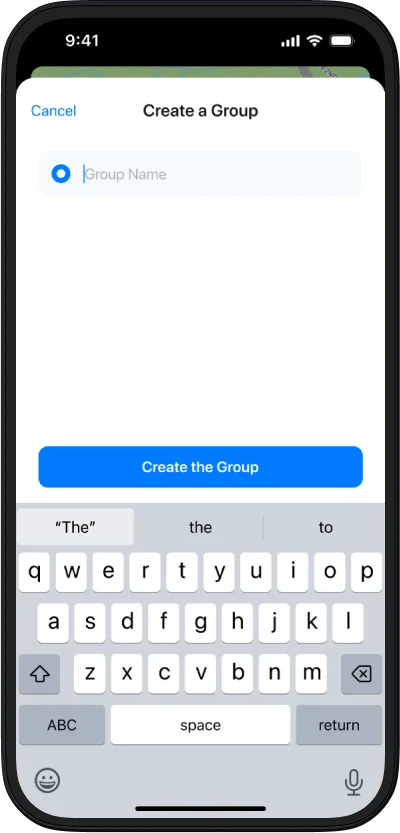
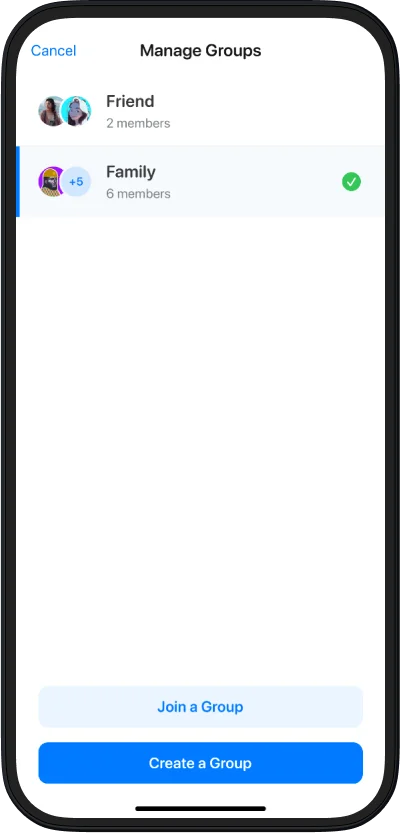
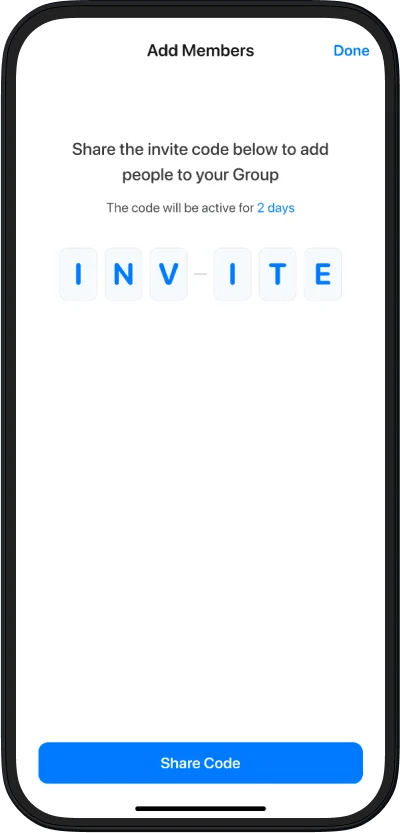
Set up Your first group

Create a group
Open the Groups screen, choose Create a Group, and give it a name that feels right for your circle.

Manage your groups

Invite people in

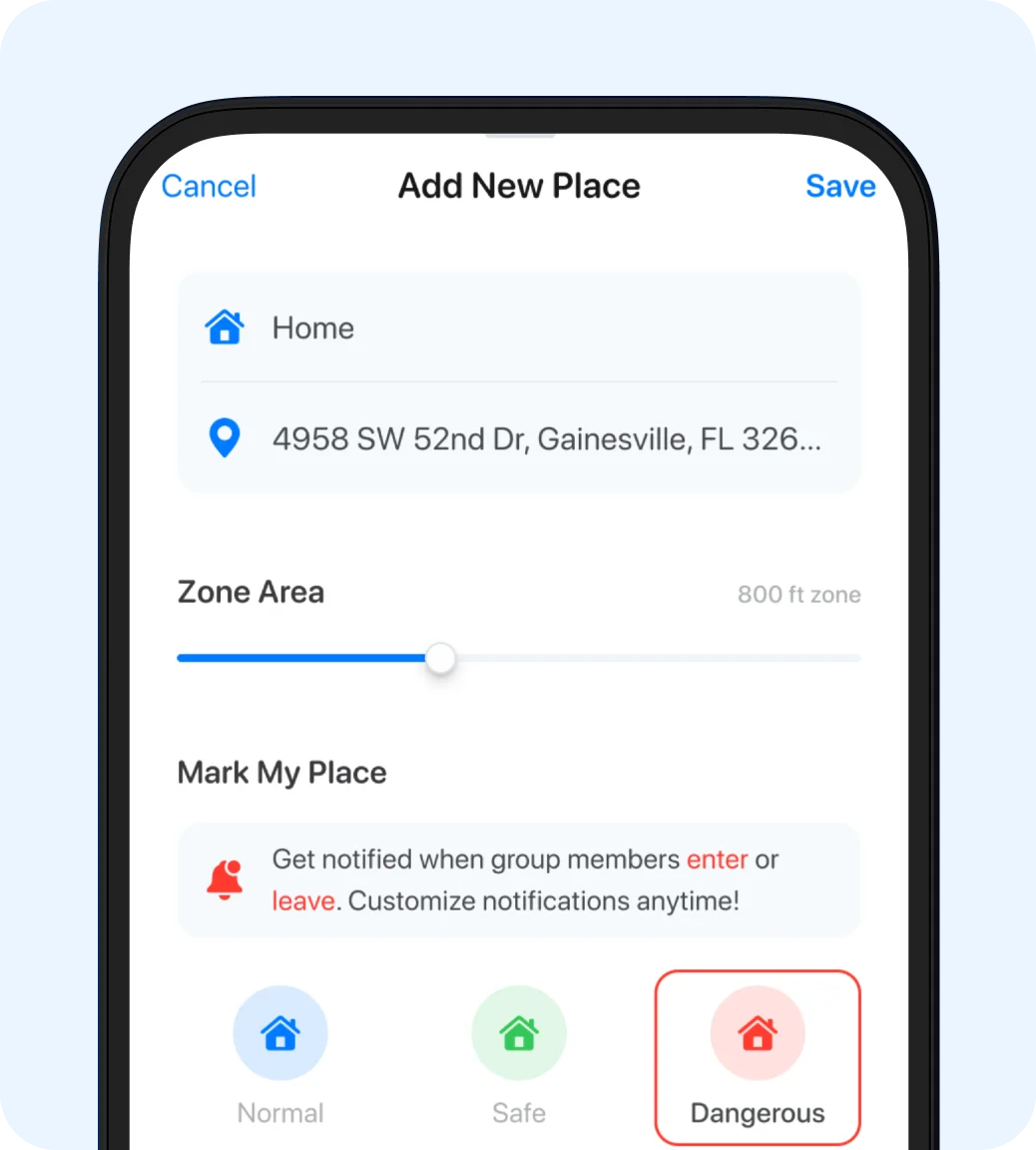
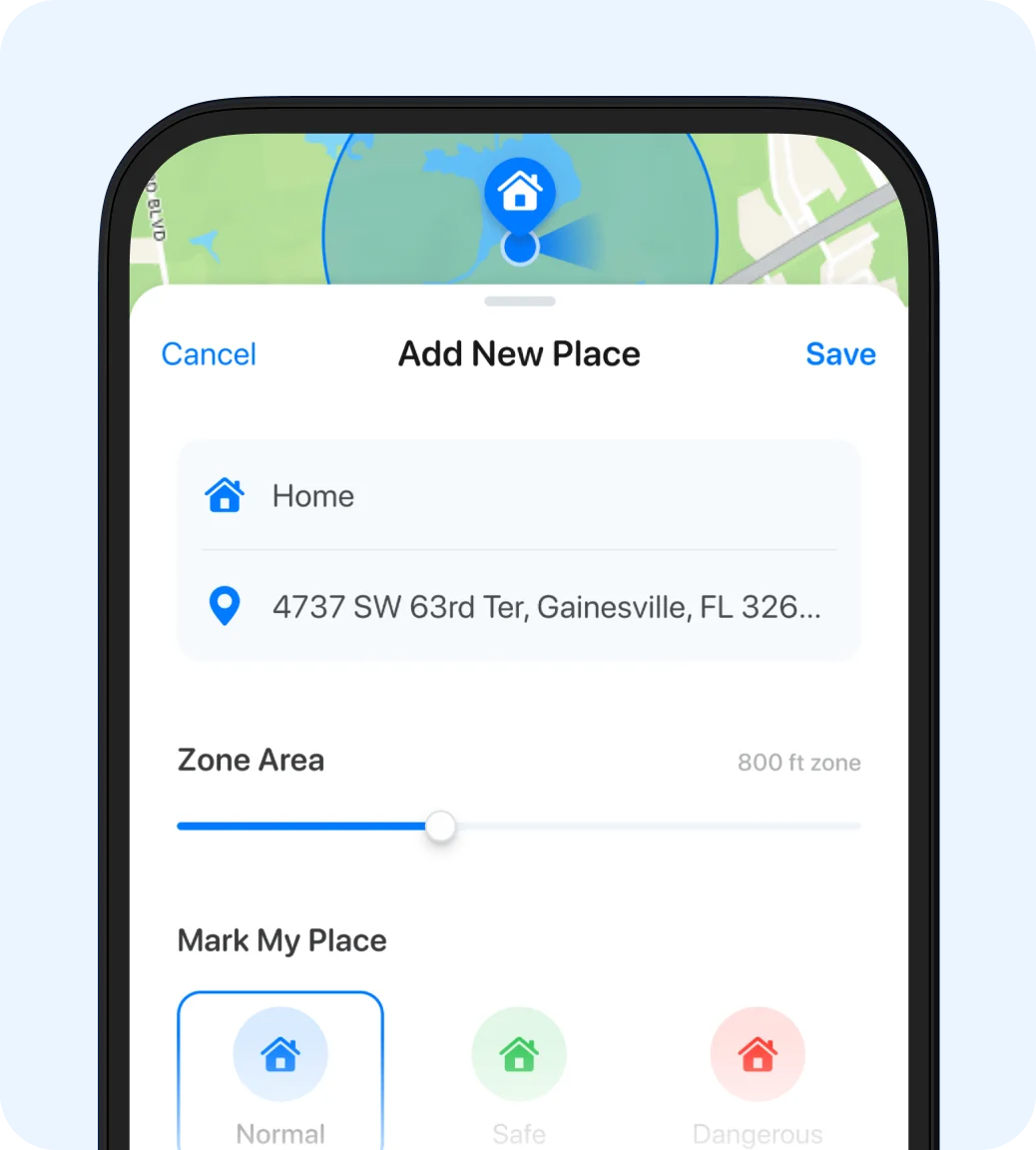
Manage place notifications (departure & arrival)
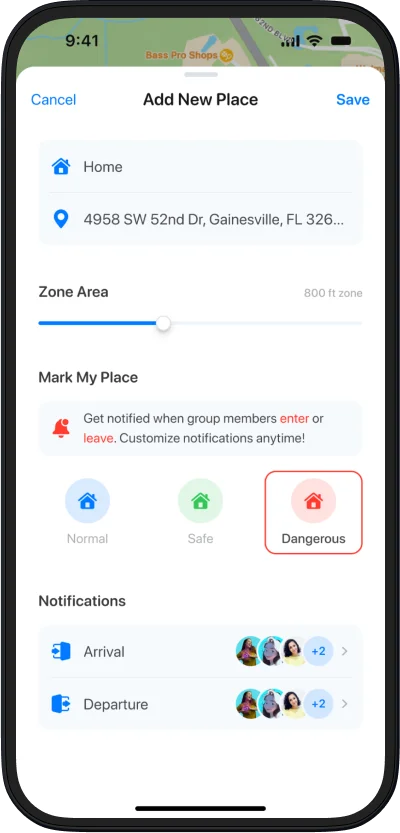
Set the location and zone type so alerts match what matters to you.
Manage place notifications (departure & arrival)

Create or update a place
Set the location and zone type so alerts match what matters to you.

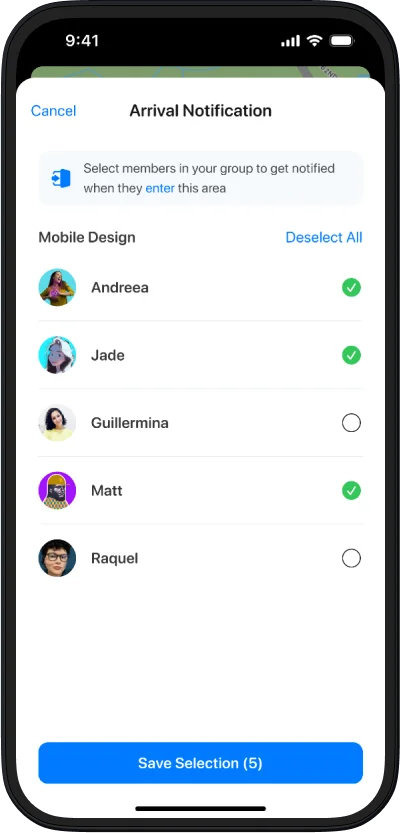
Choose arrival alerts

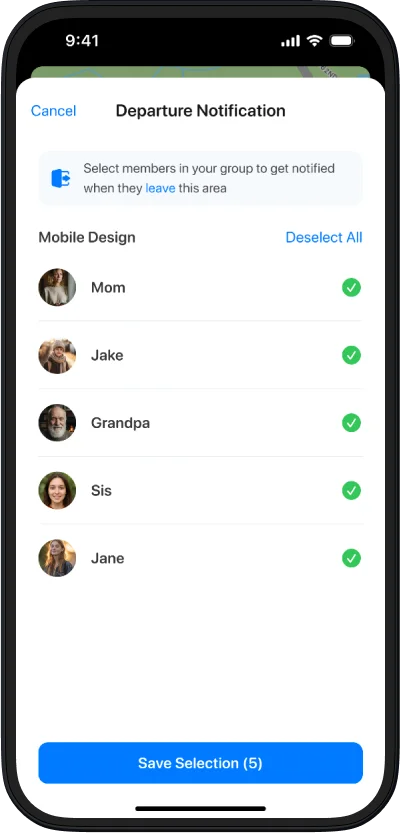
Choose departure alerts

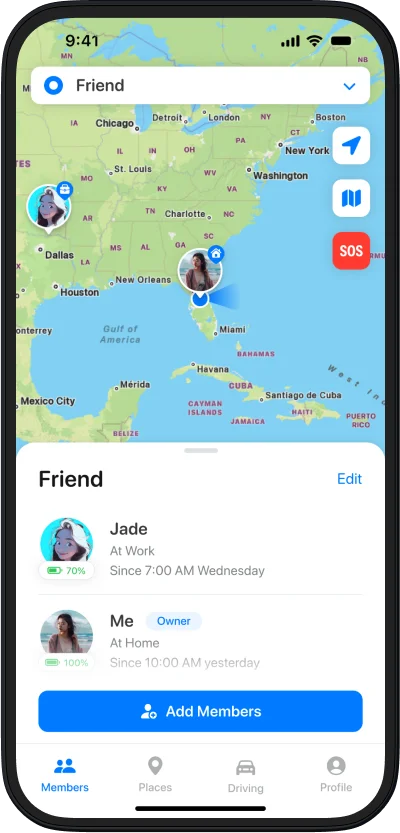
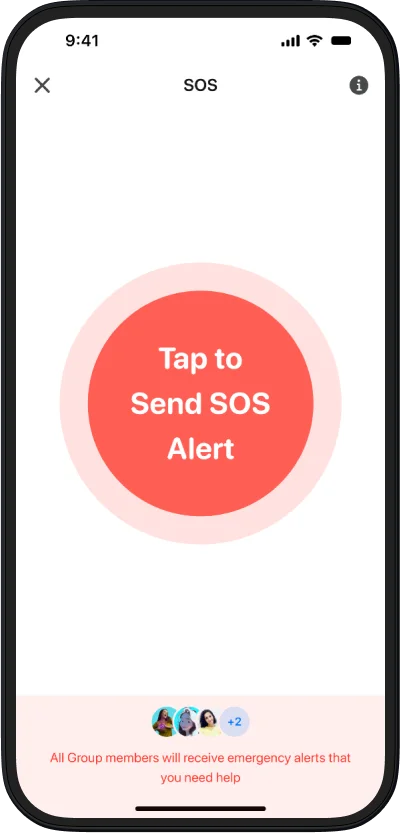
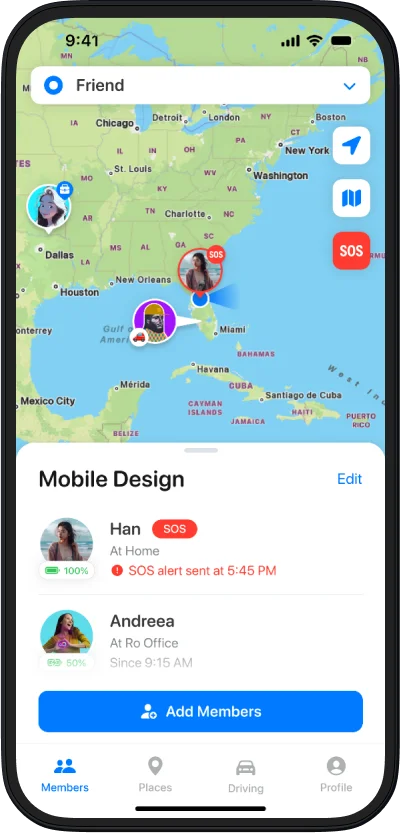
SOS: Quickly notify your inner group when you need help.
Tap the SOS button on the map to open the SOS screen
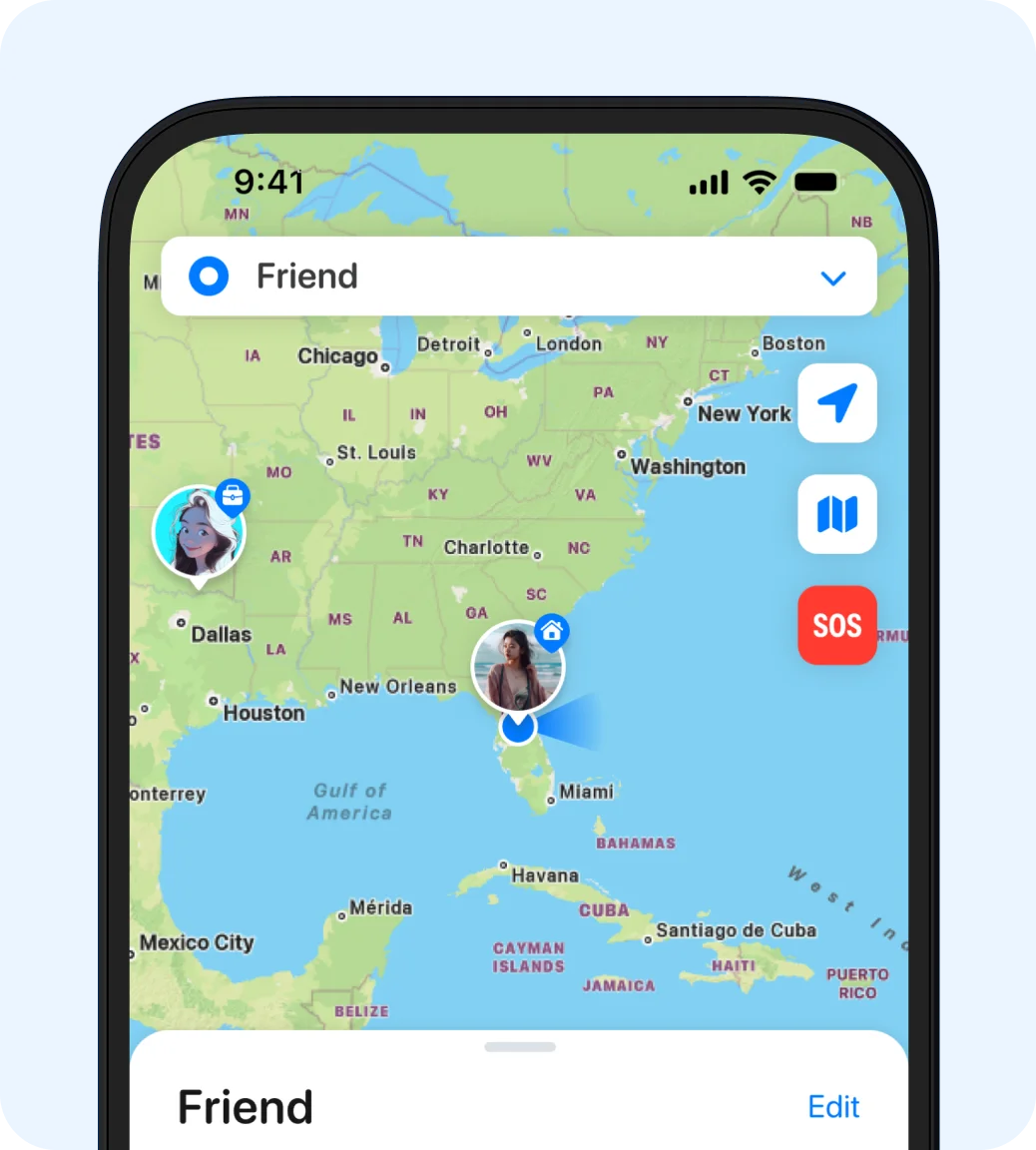
SOS: Quickly notify your inner group when you need help.

Open the SOS screen
Tap the SOS button on the map to open the SOS screen

Tap to start the countdown

SOS is sent to all members

Battery & Permissions checklist (iOS & Android)
Turn on notifications and location access so Closr can send accurate alerts.
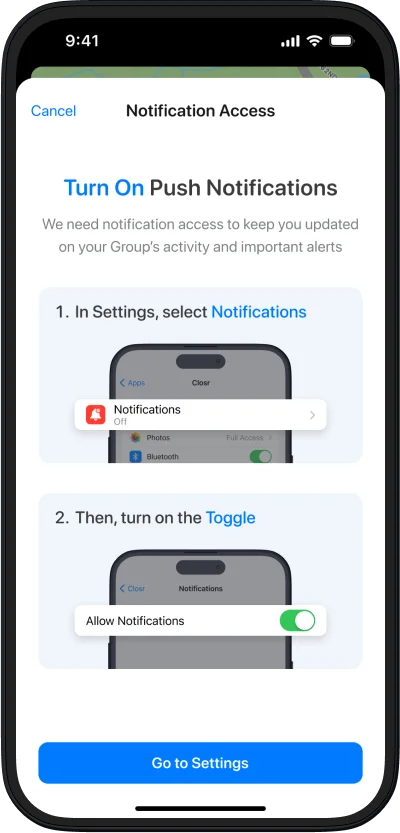
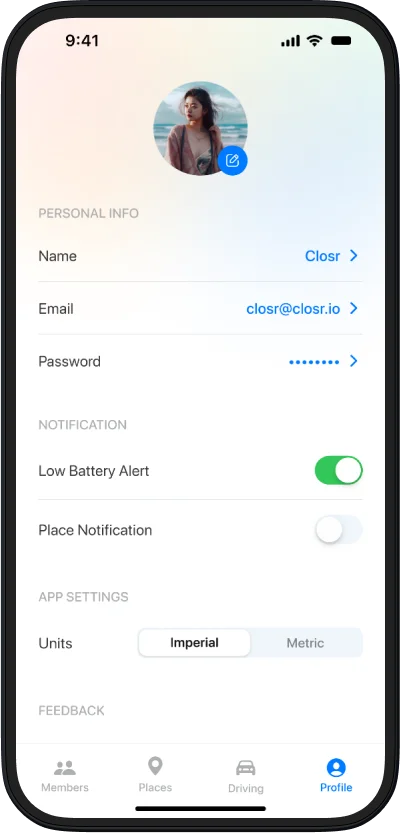
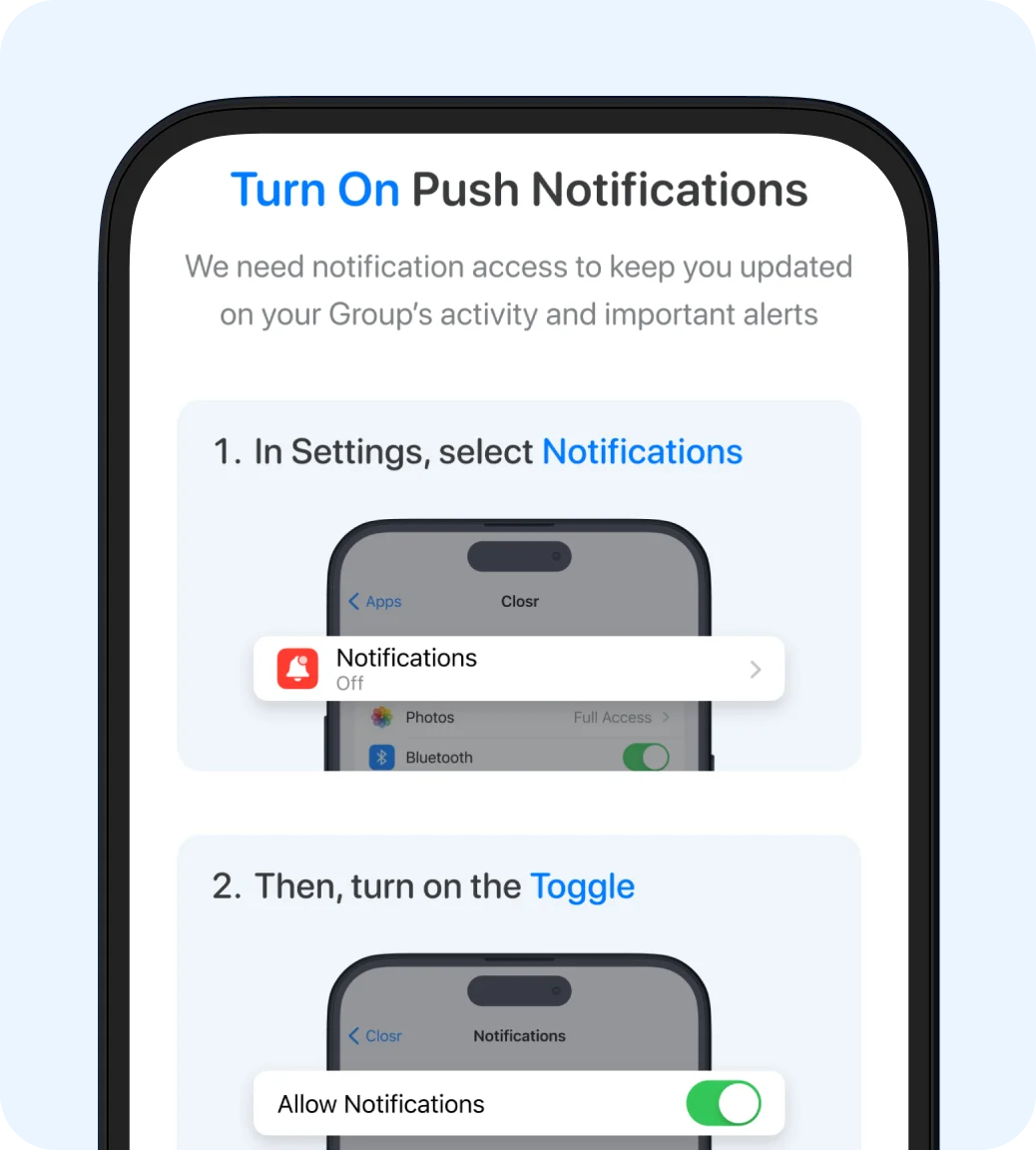
Battery & Permissions checklist (iOS & Android)

Enable permissions
Turn on notifications and location access so Closr can send accurate alerts.

Turn on battery alerts

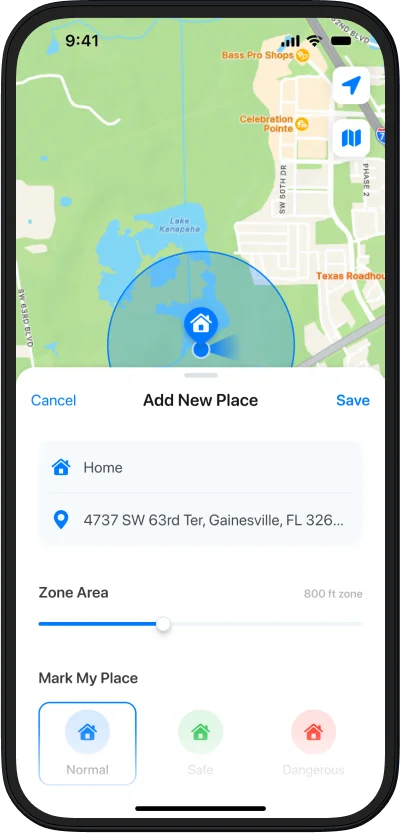
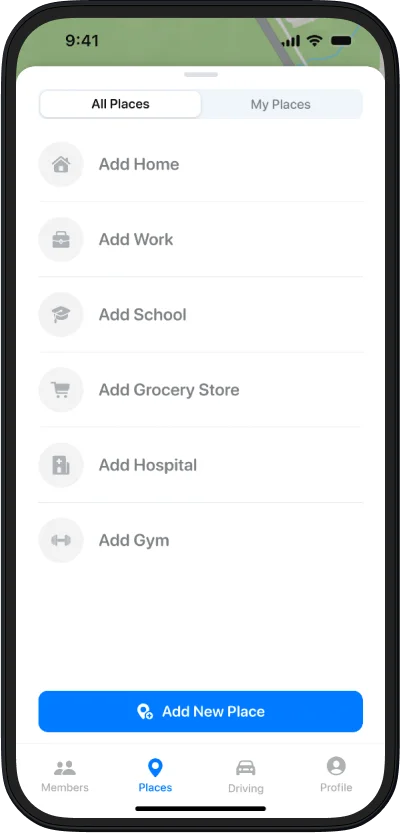
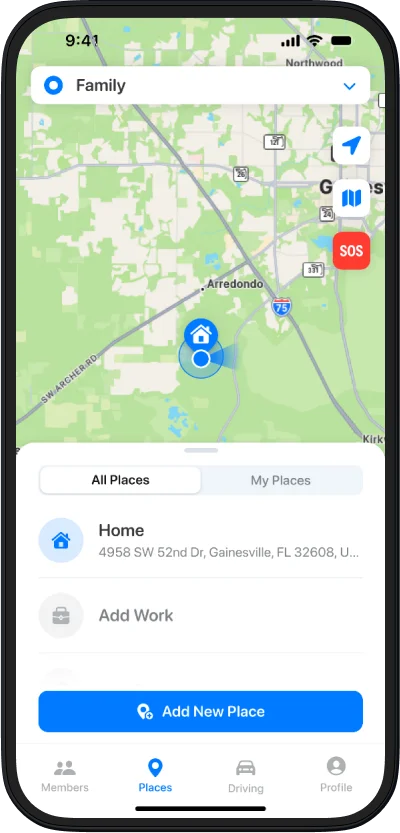
Create places & alerts (Home, School, Practice)
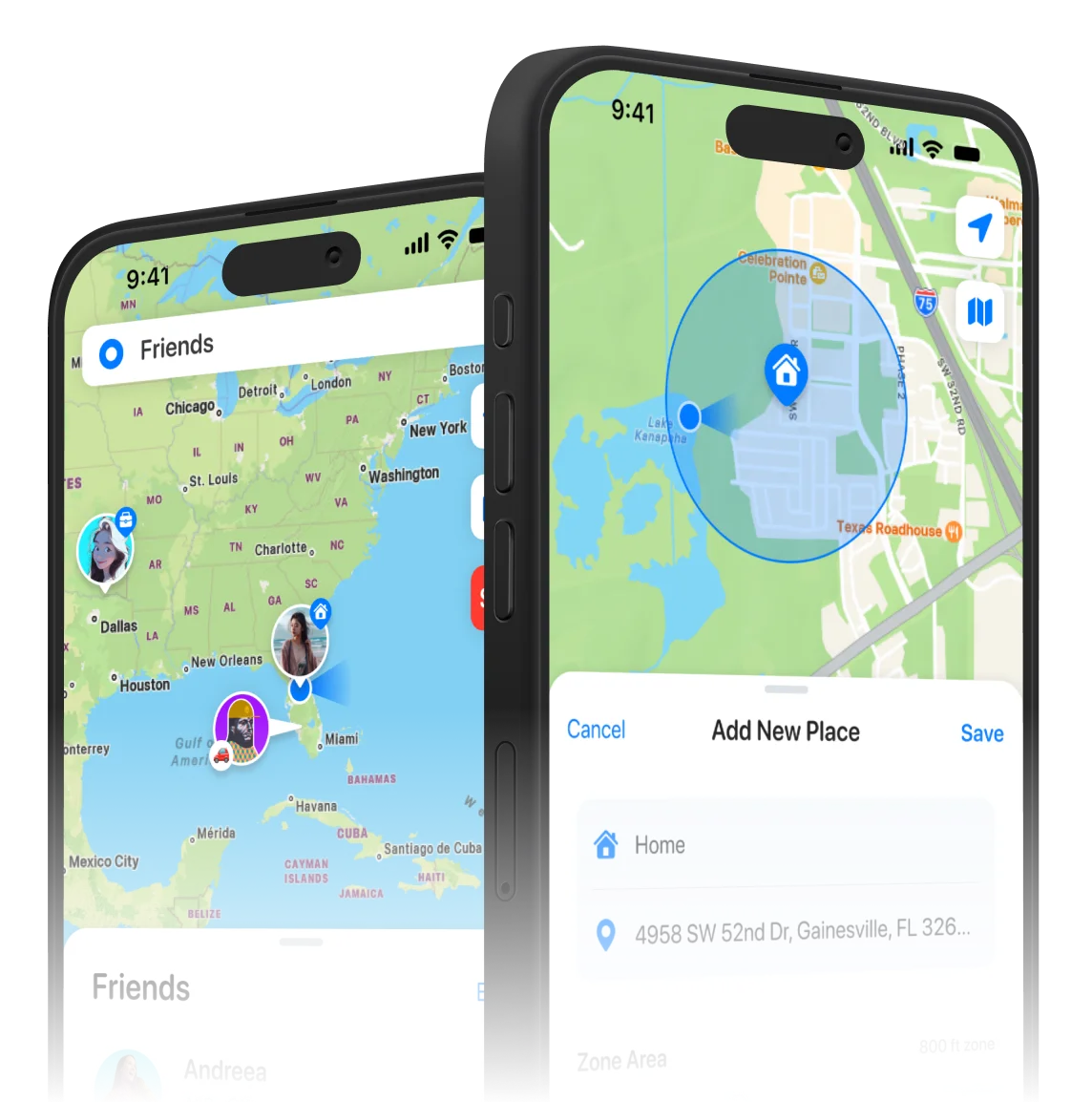
Choose a location on the map or search for it.
Create places & alerts (Home, School, Practice)

Add a new place
Choose a location on the map or search for it.

Choose the place type

Add the places that matter

Privacy controls: temporary sharing & pause
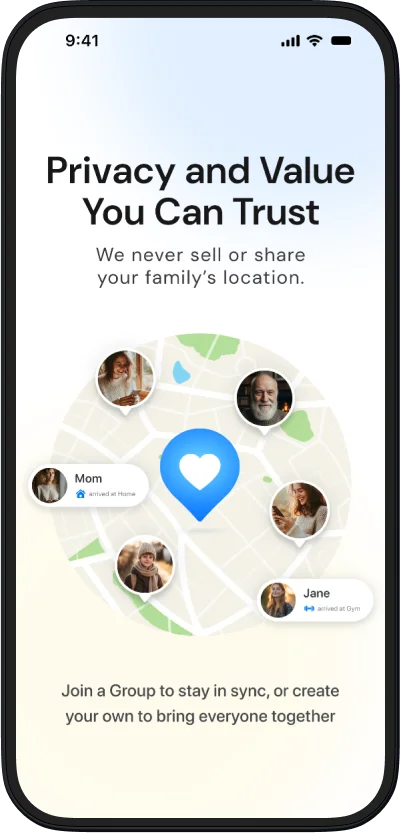
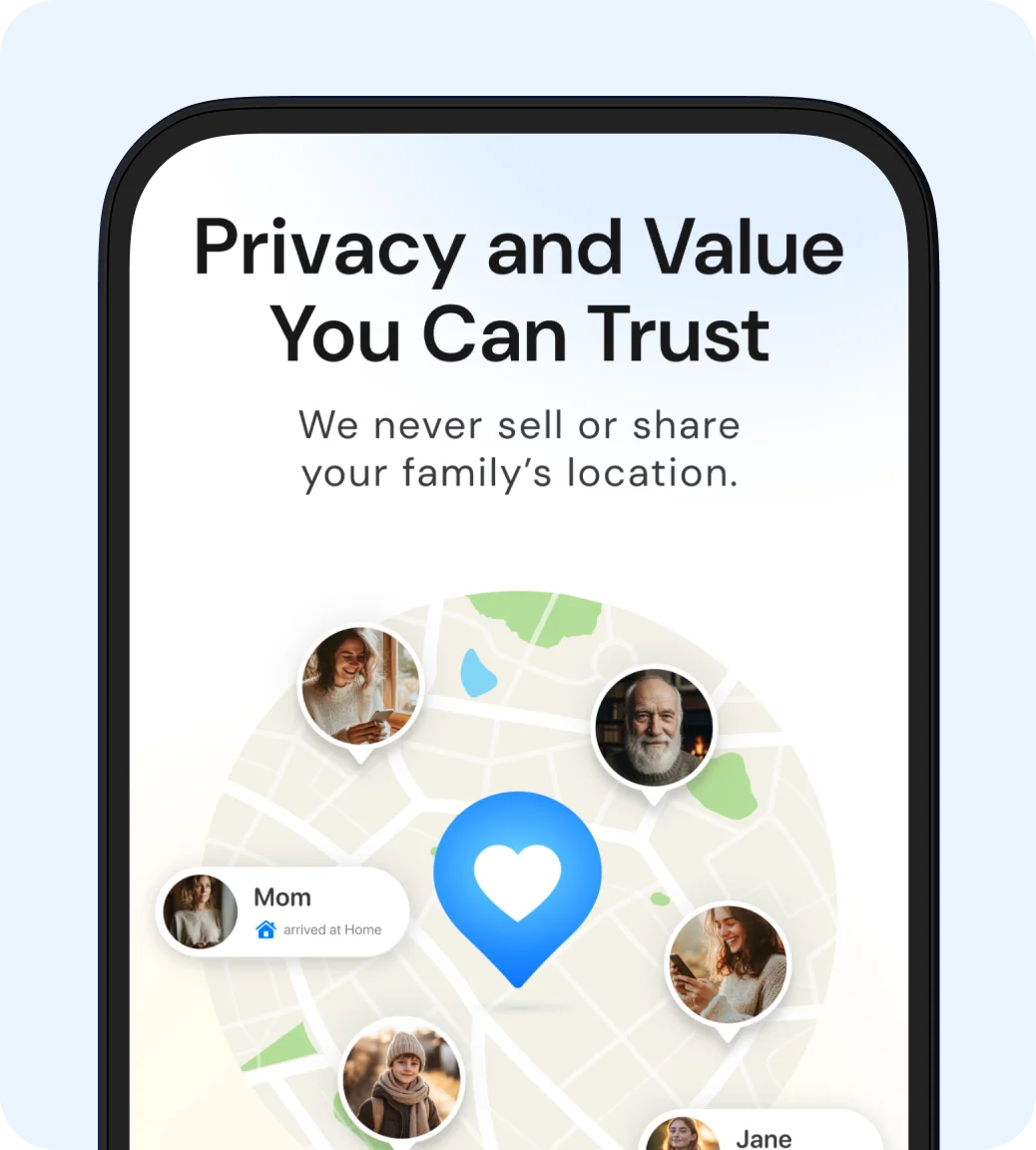
Privacy controls let you share only when you want to. Turn updates on temporarily or pause them anytime, with your data kept private and never sold. Closr keeps your family connected in a way that feels like care, not control.
Privacy controls: temporary sharing & pause

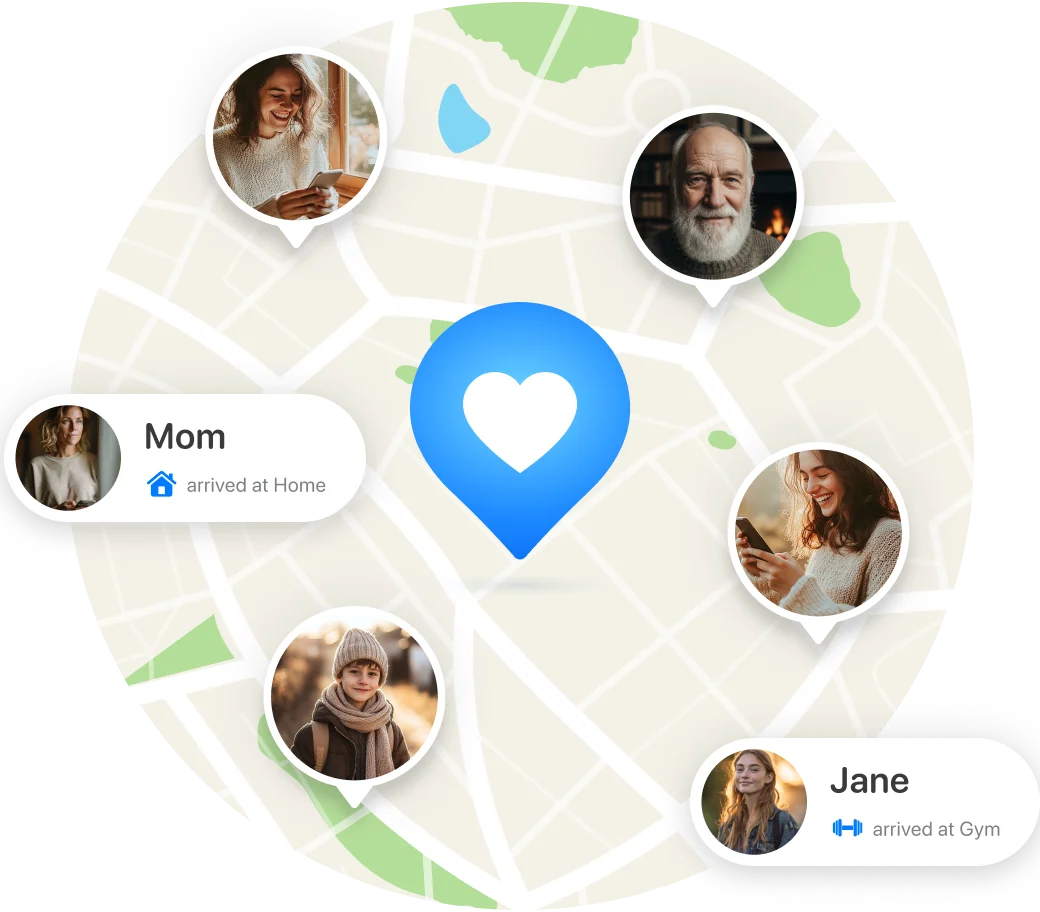
We never sell or share your family's location.
Privacy controls let you share only when you want to. Turn updates on temporarily or pause them anytime, with your data kept private and never sold. Closr keeps your family connected in a way that feels like care, not control.

Ready to
feel Closr?
Download the app and set up
your first group in minutes.


Ready to feel Closr?
Download the app and set up your first group in minutes.